NEWS

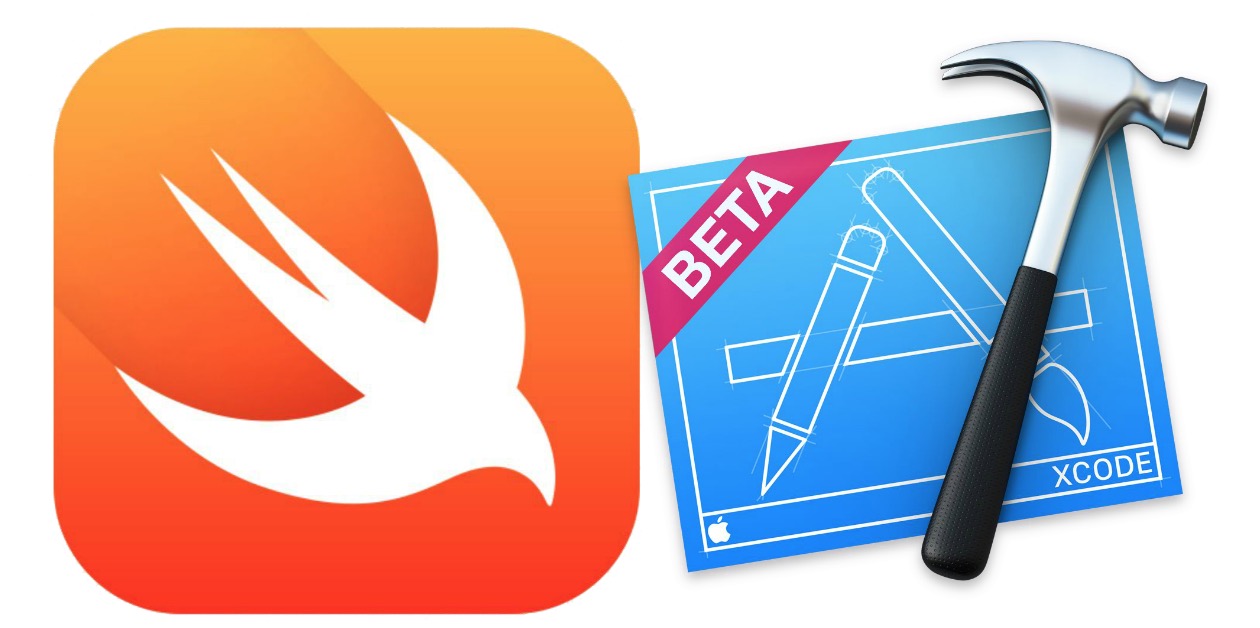
Apple Releases Xcode 8.3 With Swift 3.1, SDK for iOS 10.3

03/29/2017

3139

Apple has released Xcode 8.3 with Swift 3.1, Swift 3.1 and SDKs for iOS 10.3, watchOS 3.2, tvOS 10.2, and macOS Sierra 10.12.

Xcode includes everything developers need to create great applications for Mac, iPhone, iPad, Apple TV, and Apple Watch. Xcode provides developers a unified workflow for user interface design, coding, testing, and debugging. The Xcode IDE combined with the Swift programming language make developing apps easier and more fun than ever before.
Apple Releases Xcode 8.3 With Swift 3.1, SDK for iOS 10.3


What's New In This Version:


Xcode 8.3 includes Swift 3.1 and SDKs for iOS 10.3, watchOS 3.2, tvOS 10.2, and macOS Sierra 10.12

* Faster builds for large projects that mix Objective-C and Swift code


* Siri support in the iOS Simulator to improve automated testing


* Improved view debugger support for iMessage apps


* Updated interface to manage signing certificates and provisioning profiles


* Additional bug fixes and stability improvements


You can download Xcode from the App Store for free.


Source: iclarifiled
Windows
Mac OS
iOS
Linux
3uTools
Win 64-bit For this device
V6.0.1 2024-12-18
Download
Win 32-bit For this device
V6.0.1 2024-12-18
Download
3uTools
Intel Chip How to Identify Chip Type
V6.0.1 2024-12-18
Download
Apple Silicon
V6.0.1 2024-12-18
Download
How to Identify Chip Type
1.  Click the Apple icon in the top-left corner of the screen and select About This Mac.
2.  Check the Processor or Chip field to determine if it is "Intel" or "Apple".
Please use the 3uTools PC client to install the iOS client:
1、 Install either the Windows or Mac version of 3uTools on your computer
2、 Open the PC client and connect your device to the computer via USB cable
3、 After the connection is successful, wait for the computer to automatically install the mobile app for the device, or locate “Install Mobile App” on the computer and manually click to install.
3uTools
deb file
V6.0.1 2024-12-18
Download
rpm file
V6.0.1 2024-12-18
Download
Windows
Windows
iOS
iOS
Android
Android
TV
TV
3uAirPlayer
Win 64-bit For this device
V6.0.1 2024-12-18
Download
Win 32-bit For this device
V6.0.1 2024-12-18
Download
iOS Device Mirroring (No App Required)
1、 Install 3uAirPlayer on the Windows PC
2、 Open Control Center and select Screen Mirroring
3、 From the list, choose your PC to start mirroring
4、 Or connect your iOS device to the PC via USB to begin mirroring
Scan to get "3uAirPlayer" App
3uAirPlayer TV V6.0.1
2024-12-18
TV System Requirements: Android 7.0 or later
Download the TV installation package, copy it to a USB drive, insert it into your TV or set-top box, then select the file from the home screen to install.