 NEWS
NEWS
Apple Watch ECG Capability Will Reportedly Arrive With WatchOS 5.1.2
 11/29/2018
 1497
1497
When announcing the new electrocardiogram (ECG) feature for Apple Watch Series 4 back at its September event, Apple only shared that it would be released “later this year.” Now, a new report says that the ECG app on Apple Watch will arrive with the public release of watchOS 5.1.2.
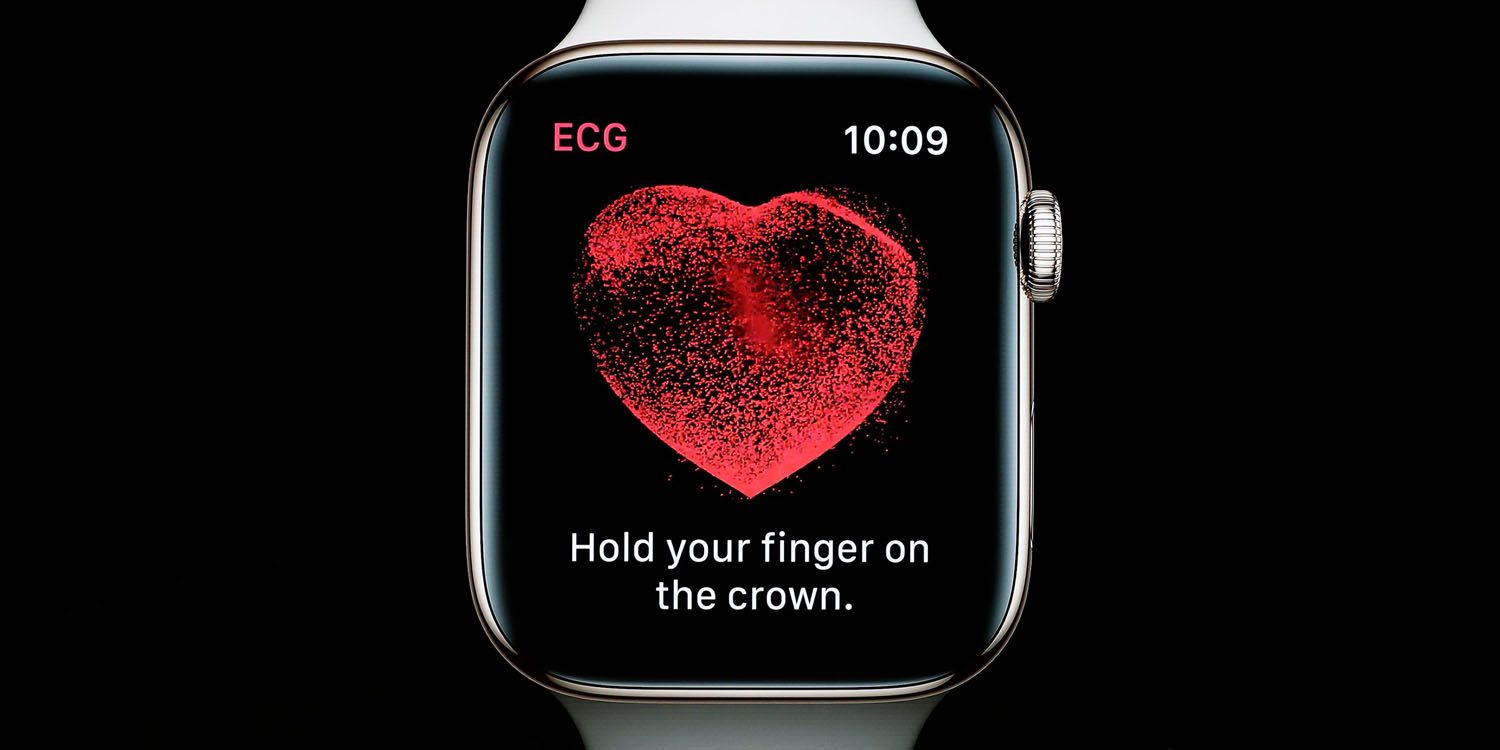
According to internal Apple documents obtained by MacRumors, watchOS 5.1.2 will enable the new health feature when it leaves the beta release.
Apple Watch Series 4 will be the first ECG-capable device cleared by the FDA that consumers will be able to purchase without a prescription. Medical professionals have weighed in ahead of the ECG app release and believe it will save lives.
Users will be able to take readings by holding their finger for thirty seconds on the Digital Crown. Here’s how electrocardiograms work:
An ECG measures electrical activity of the heart over a period of time, detecting tiny electrical changes on the skin created by the heart’s electrophysiologic pattern of depolarizing and repolarizing during each heartbeat. An ECG can help detect a variety of cardiac problems.
The ECG app on Apple Watch Series 4 will launch in the US to start. However, users in other countries will be able to use the feature with a region settings workaround.
The documents seen by MacRumors describe best practices for Apple employees when talking about the Apple Watch ECG feature with customers.
Apple Store employees are instructed to advise customers that the ECG app is “not intended to be a diagnostic device or to replace traditional methods of diagnosis,” and “should not be used to monitor or track disease state or change medication without first talking to a doctor,” according to Apple’s document.
There aren’t any specifics on when watchOS 5.1.2 will be released, but with the second beta of the software being released three weeks ago, it may be soon.
Source: 9to5mac