 NEWS
NEWS
A Tfp0 Exploit has Been Achieved on iOS 12.2
 07/01/2019
 1880
1880
The latest jailbreakable version of iOS at the time of this writing is iOS 12.1.2, but that could change in the very future.
iOS hobbyist @NedWilliamson Tweeted a teaser Friday afternoon of what appears to be a successful tfp0 exploit for iOS 12.2 on an iPhone 6s Plus, a feat that was purportedly made possible after working closely with long-respected security researcher Brandon Azad:
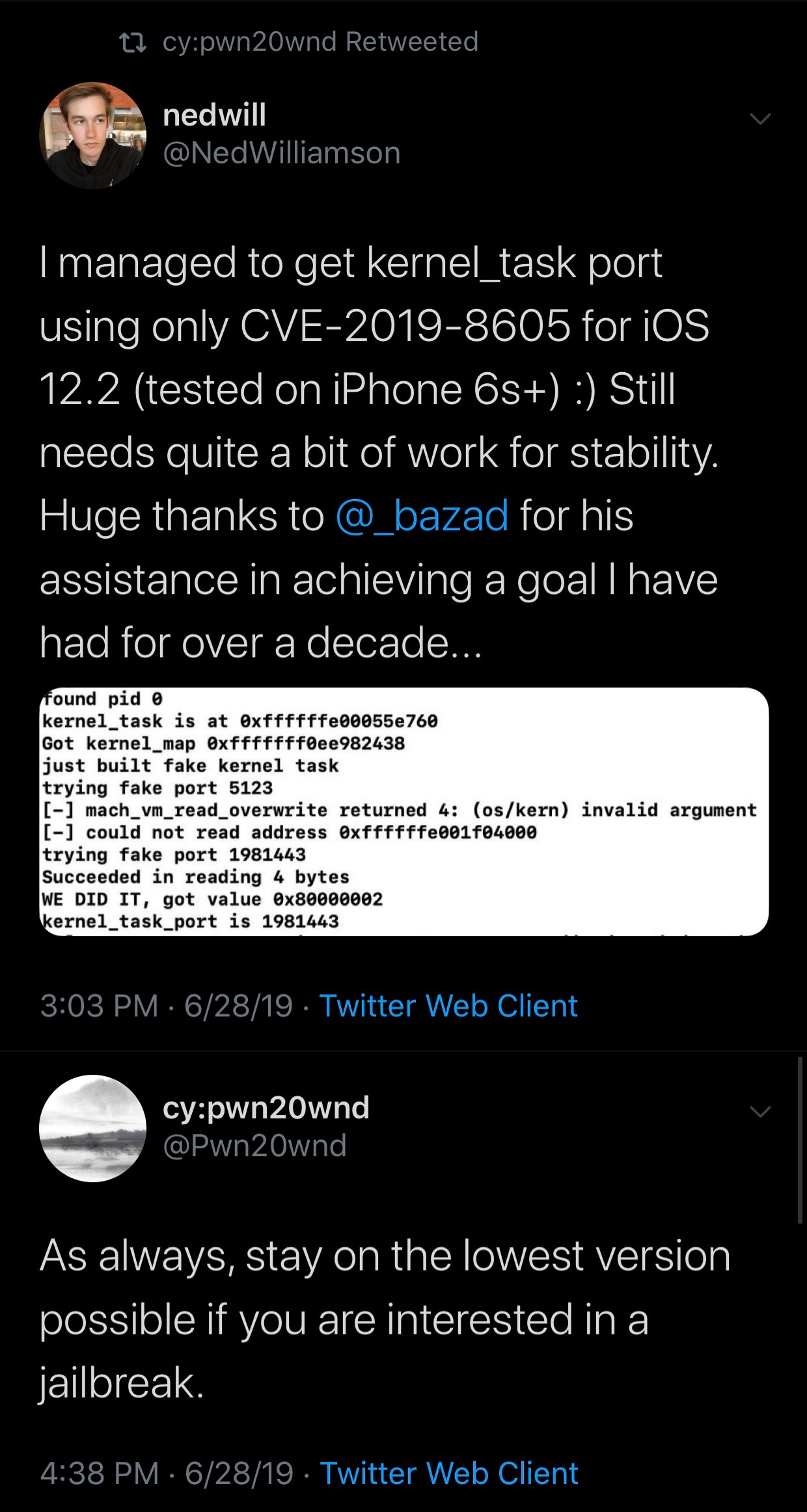
Ned notes that the kernel_task port he achieved utilizes a kernel bug entitled “CVE-2019-8605,” which should play nicely with any of the following handsets:
iPhone 5s and newer
iPad Air and newer
iPod touch 6th generation
Notably, A12(X) devices would still require a PAC bypass, which isn’t yet available at the time of this writing.
Perhaps unsurprisingly, unc0ver lead developer Pwn20wnd retweeted the original posting and followed up by reiterating one of his many wise comments: stay on the lowest possible firmware if you care about jailbreaking. Based on this response, we can only infer that Pwn20wnd may very well have an interest in updating unc0ver to support the exploit.
For what it’s worth, Apple stopped signing iOS 12.2 in May, which prevents users from downgrading from any newer version of iOS. That said, those who aren’t already on iOS 12.2 can’t advantage of this exploit should anything ever materialize from it.
Based on Ned’s original Tweet, we can gather that the exploit still needs a bit of work to make it more stable, but this is something that can be addressed with time. Unfortunately, no ETA has been provided as of now.
It should be interesting to see if this exploit will be used by any of the current jailbreak teams in the near future. After all, it’s always lovely when a newer version of iOS receives new.
Source: idownloadblog