 NEWS
NEWS
Apple Seeds Third Betas of iOS 13.2 and iPadOS 13.2
 10/17/2019
 2248
2248
Apple today released the third betas of upcoming iOS and iPadOS 13.2 updates to developers, just under a week after seeding the second betas and three weeks after the release of iOS 13.1.
iOS and iPadOS 13.2 can be downloaded through the Apple Developer Center or over the air after the proper developer profiles have been installed. 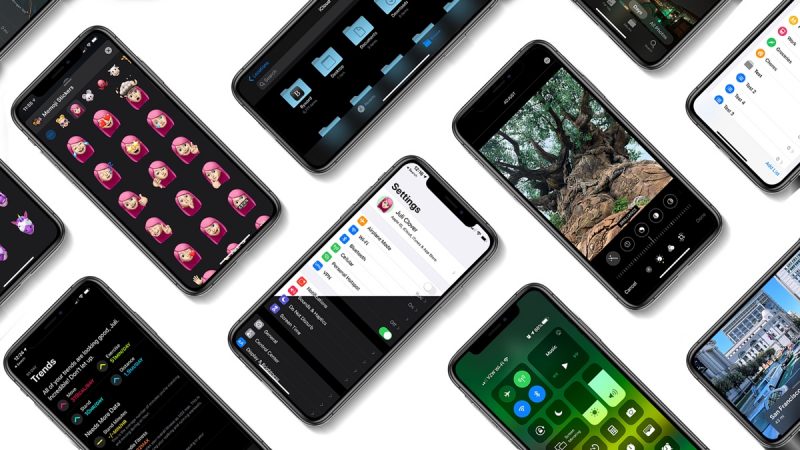
iOS 13.2 introduces Deep Fusion for the cameras in the iPhone 11 and iPhone 11 Promodels. Deep Fusion is a new image processing system that uses the A13 Bionic and the Neural Engine. Deep Fusion takes advantage of machine learning techniques to do pixel-by-pixel processing of photos, optimizing for texture, details, and noise in each part of the image.
The feature is aimed at improving indoor photos and photos taken in medium lighting, and it's a feature that will automatically activate based on the lens being used and the light level in the room.
In the second beta, Apple added support for dozens of new emoji characters on iOS and iPadOS. Orangutan, sloth, otter, skunk, and flamingo are the new animals included in the update, while new food items include garlic, onion, waffle, falafel, butter, oyster, maté, and ice cube. 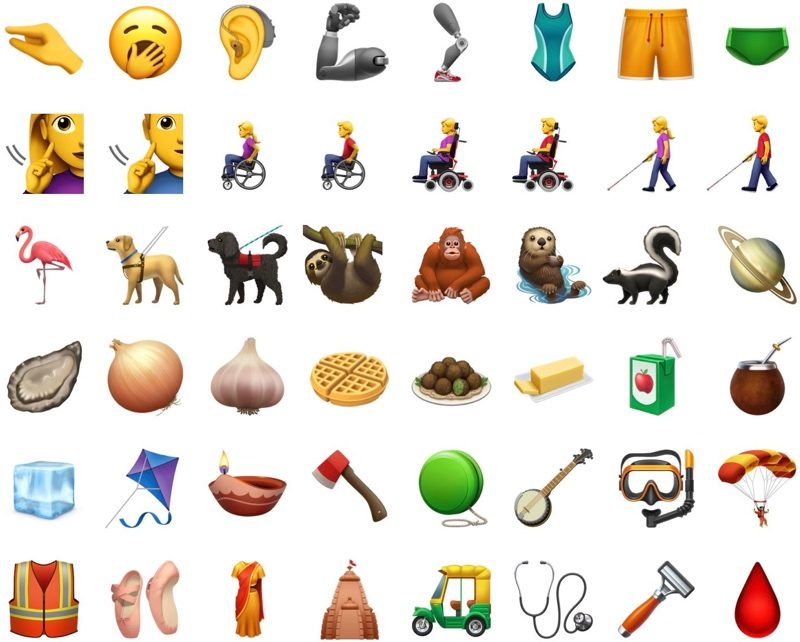
New faces, gestures, and poses include yawning face, pinching hand, person kneeling, person standing, and new people holding hands options that are both gender and skin tone inclusive, plus accessibility-related emoji like deaf person, person in wheelchair, guide dog, and more. There are also tons of other emoji characters coming, outlined in our iOS 13.2 emoji article.
The update brings a promised privacy option that allows users to opt out of sharing their Siri and dictation audio recording with Apple, and it adds an option to delete Siri and dictation history. These settings provide users with more control over how their Siri recordings are used. 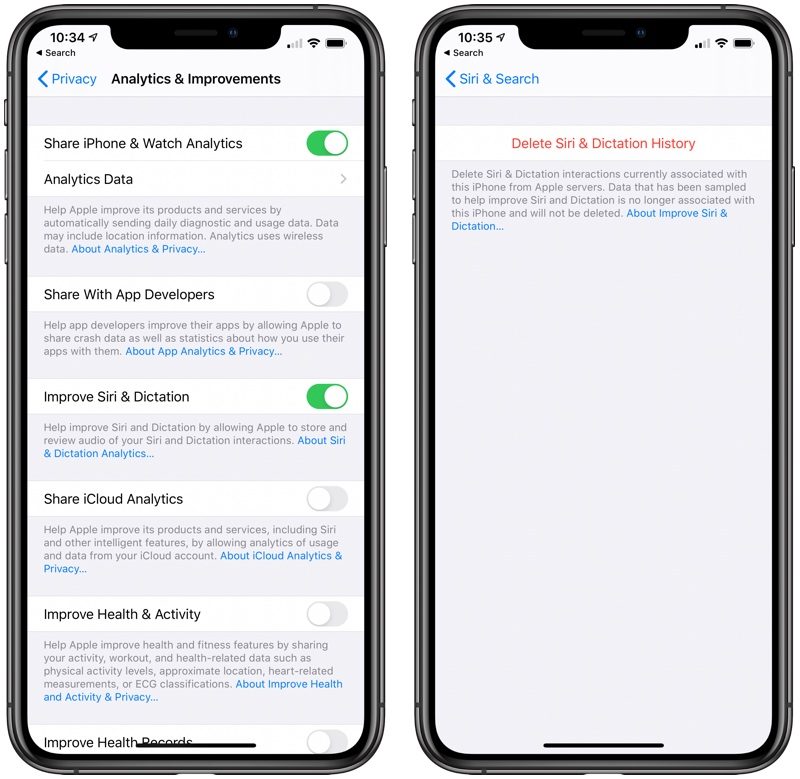
Apple has reintroduced the Announce Messages with Siri feature, which lets Siri read incoming messages without having to unlock the iPhone. The feature works with the second-generation AirPods and the Beats Pro. 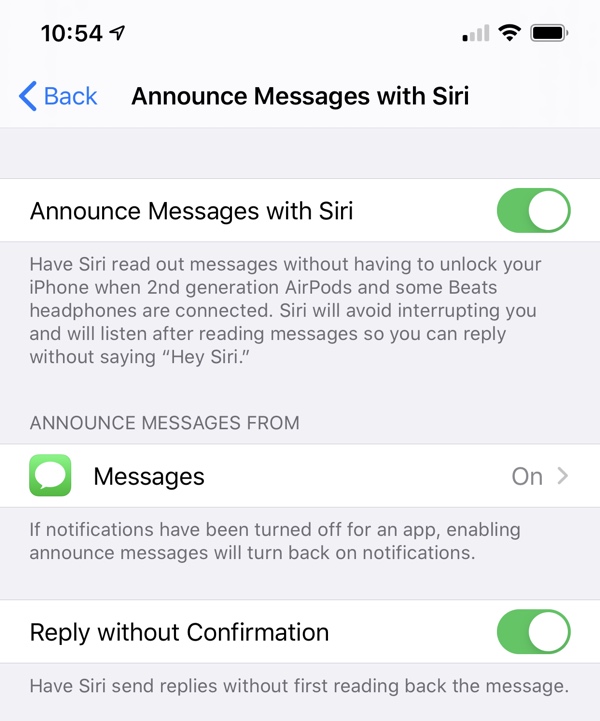
The betas include new privacy settings for Apple's upcoming Research app, a new Transfer to HomePod toggle in the Settings app to turn on HomePod handoff, an updated volume bar in Control Center that displays AirPods and Beats icons, and an option to display multi-function HomeKit products as multiple tiles or a single tile.
Also included is an option to delete apps right from the Home screen, and on the iPhone 11 and 11 Pro, an option to change video recording settings right from the Camera app. 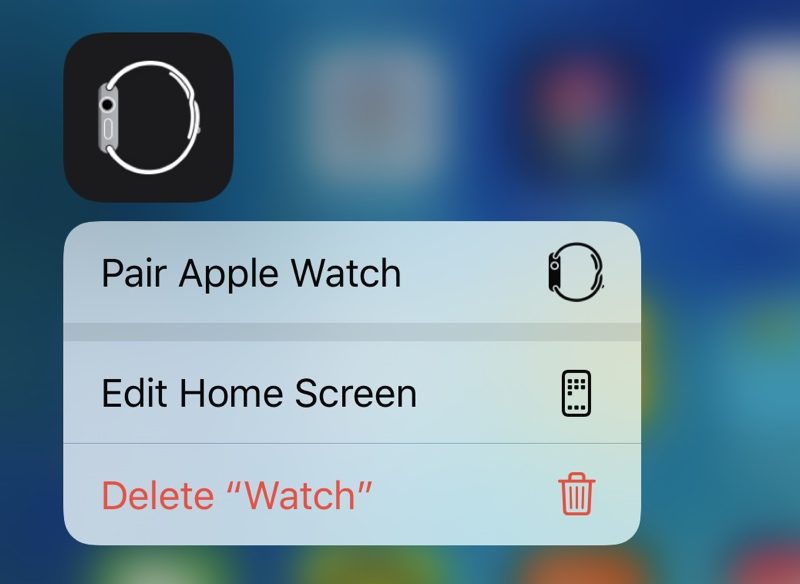
Both betas of iOS 13.2 have also included hints of Apple's third-generation AirPods, expected in 2020. The AirPods have a fresh look with a body that resembles the current AirPods, but with rubber tips, likely for the rumored noise cancelation feature.
Additional details on what's new in iOS 13.2 can be found in our iOS 13.2 tidbits articles for beta one and beta two.
Source: Macrumors