 NEWS
NEWS
Unc0ver v4.0.0 Adds Support for A12(X)-A13 Devices on iOS 13.0-13.3
 02/17/2020
 2387
2387
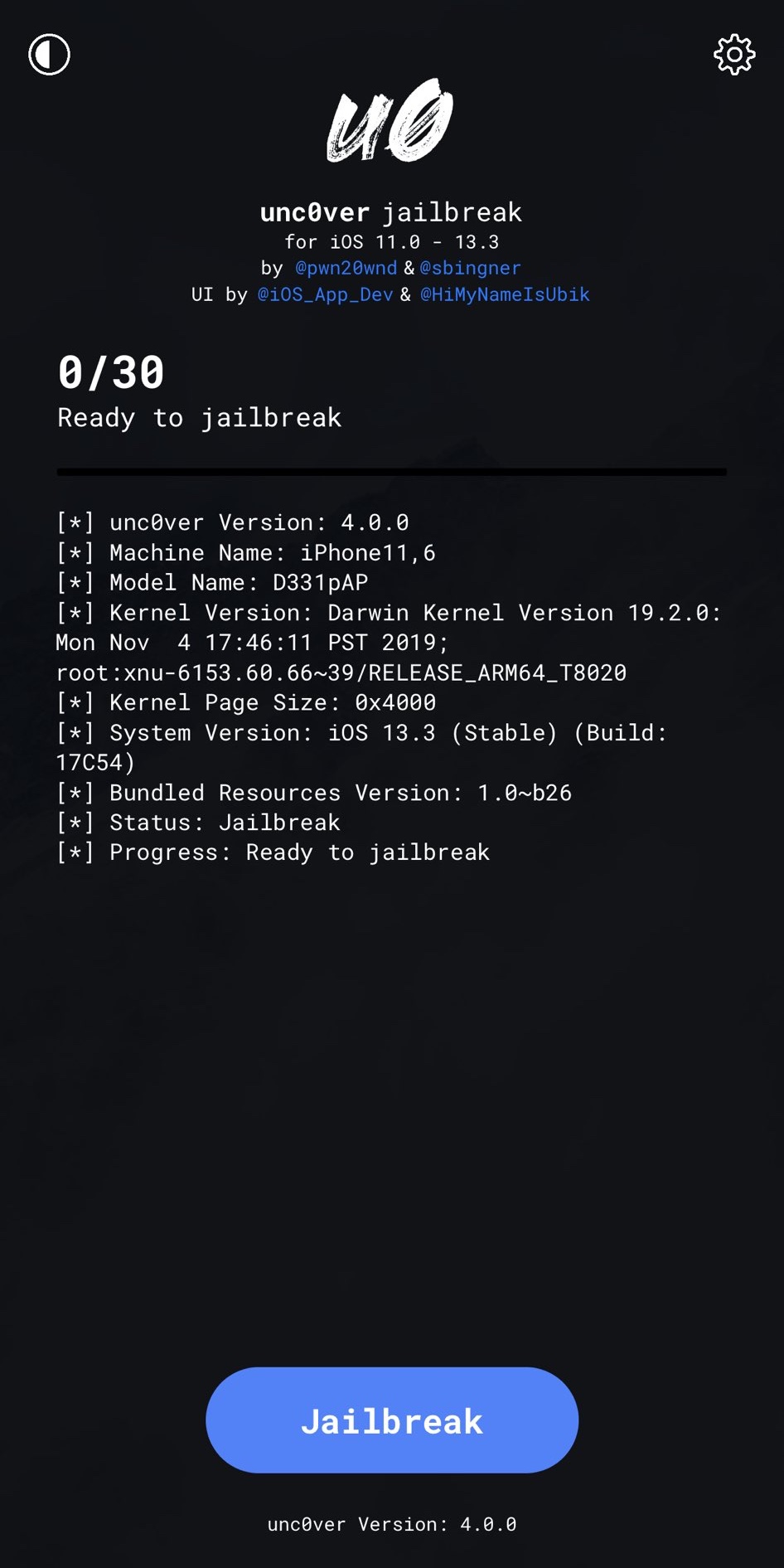
Those who’ve keenly waited for the unc0ver jailbreak to officially support A12-A13 devices running iOS 13.0-13.3 devices by way of Brandon Azad’s oob_timestamp tfp0 exploit will be happy to know that the wait is finally over.
In a Tweet shared just this afternoon, project lead developer Pwn20wnd launched unc0ver v4.0.0 with support for the aforementioned device types and firmware versions:
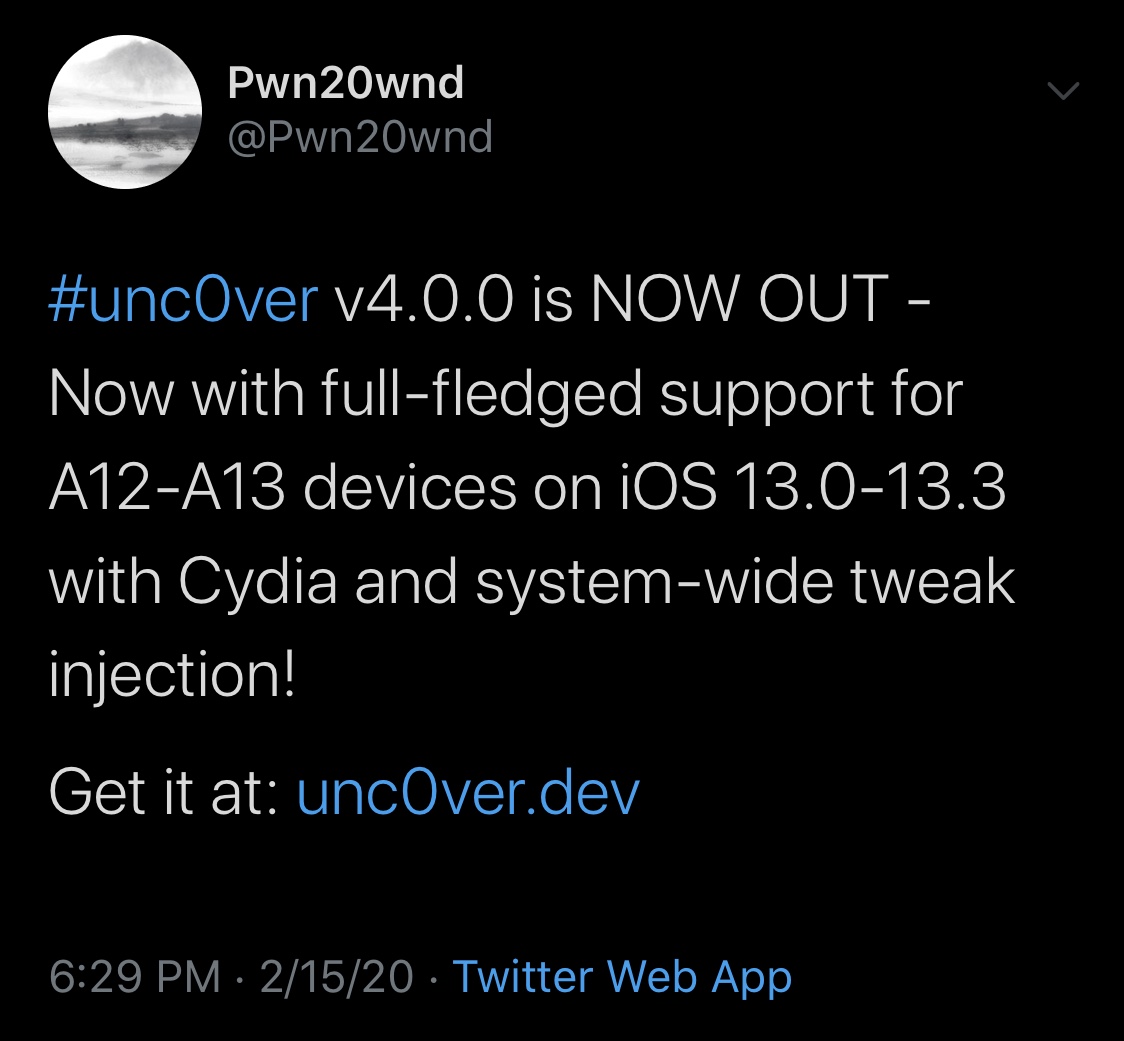
As you might’ve noticed, the supported device and firmware combinations don’t include A11 and older, but that’s fine and dandy because the checkra1n jailbreak already supports handsets as old as the iPhone 5 and as new as the iPhone X for life.
Unc0ver v4.0.0 is particularly noteworthy because this is the first public jailbreak to support A13 devices. Moreover, it has become the first public jailbreak to support iOS 13 on A12(X) devices. Previously, unc0ver could only jailbreak A12(X) devices if they were running a supported version of iOS 12.
Perhaps unsurprisingly, this jailbreak utilizes Substitute for tweak injection on A12(X)-A13 devices. This is because Saurik’s Cydia Substrate has not been updated for the newest devices, and it seems unlikely that this will change given the complexities of Apple’s under-the-hood changes.
In addition to the new device and firmware combinations that today’s update brings, it’s important to note that unc0ver still supports iOS 11.0-12.4.1 on all previously supported devices. With that in mind, those who were using the jailbreak previously before today’s launch can still download the latest version and continue using it without interruption.
Like all early releases in the past, we advise caution for the average jailbreaker. While unc0ver v4.0.0 has been meticulously tested beforehand, a public beta-esque release such as this one is to broaden the project’s testing scope to more devices and use cases. That said, this release could still contain instabilities, and we’d recommend holding off for a little while longer to avoid the unlikely chance of having to restore.
If you simply can’t wait to use unc0ver v4.0.0, then you can download it from the official unc0ver web page. It will be made available via AltStore and via third-party signing services such as Ignition and iOS Ninja. Keep in mind, however, that the latter options use enterprise certificates that can be easily revoked by Apple.
Those who’ve never used the unc0ver jailbreak before can take advantage of our step-by-step tutorial to get started.
Source: iDB